


Toca Boca World
4.4218.76K Reviews
App Specs
- Version
- 1.141
- Updated On
- License
- Free
- Downloads
- 100,000,000+
- Developer
- Toca Boca
- Categories
- Educational
- Platform
- Android, iOS
Screenshots
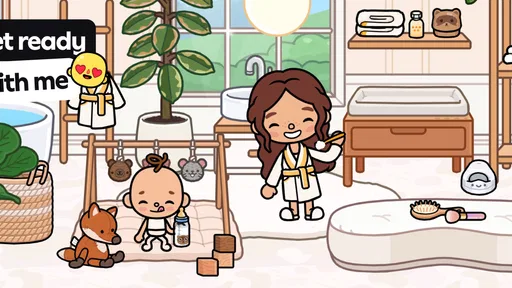
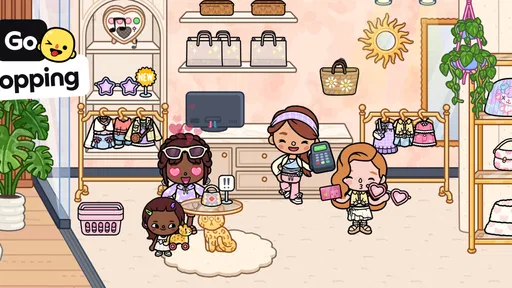
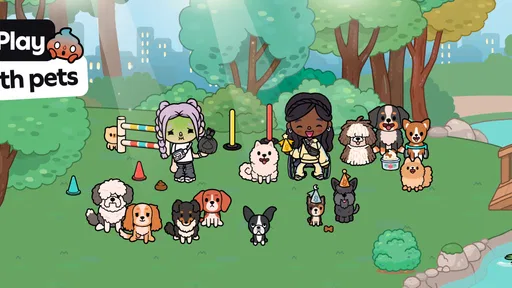
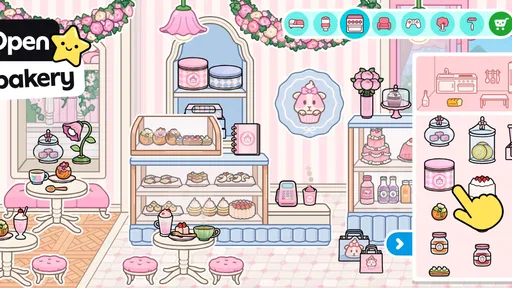

 Analysis by AppCompare
I judge a children’s creative game not only by how much there is to do, but by how comfortably different people can use it. A young child, a parent sharing the screen, and someone who prefers less visual or motor pressure may all experience the same play space differently. Toca Boca World leans on open-ended make-believe rather than lessons or score chasing, which gives players room to set their own pace. That freedom is its biggest strength, though it also means the experience depends on whether a player enjoys inventing their own reasons to keep exploring.
Reading the screen and finding your way
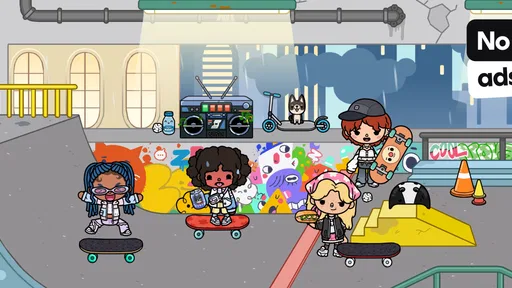
The bright scenes and distinct locations make the game feel inviting, and the toy-like presentation helps communicate that this is a place for pretend play. Moving between settings and handling characters or objects is generally more approachable than learning a complicated ruleset. I also like that a child can make a small story without first understanding a long sequence of instructions. The trade-off is that a lively screen can be visually busy: a player who finds colorful scenes distracting may need an adult to help them settle on one activity at a time.
For a first session, I’d explore together rather than hand over the device and expect a child to discover every interaction at once. Pick a location, choose a character, and build one simple scene—perhaps getting ready for a day out or preparing a meal. That gives the child a concrete starting point while leaving the story open. Once they know how to move around, they can decide what happens next. This gentle introduction is more useful than trying to demonstrate everything in one sitting.
Guides and Analysis on Toca Boca World
Movement, sound, and different play styles
Much of the appeal comes from direct interaction: choosing outfits, moving characters through a setting, and arranging a pretend situation. That makes the game feel hands-on, but it also means play relies on touch input. Children who find precise tapping or dragging tiring may benefit from taking turns with an adult, using a larger screen when available, or keeping sessions short. I would not treat it as a hands-free activity or assume every child will find the controls equally comfortable.
Sensory preferences matter too. The colorful environments may delight one player and feel like too much for another, especially when they are already tired or easily distracted. I’d try a calm, familiar setting and watch how the child responds instead of assuming that a game made for young players will suit every temperament. It works best when the adult can pause the activity, simplify the pretend scenario, or move on if the screen is no longer enjoyable.
When it fits—and when another choice is better
This is an easy game to bring into a quiet stretch at home: while dinner is being prepared, a child can create a character and invent a small story nearby. It can also be a shared activity, with an adult asking open questions such as where a character is going or what they might need. Those prompts support conversation without turning play into a quiz. For travel or waiting rooms, I’d make sure the child already knows how the game works and that the device is ready; open-ended play is less useful if they expect a quick, guided challenge.
Compared with educational games built around letters, counting, or right-and-wrong answers, this one gives more space to imaginative play and less direct practice of a specific school skill. Compared with simple dress-up or coloring apps, it offers a broader setting for turning a character choice into a scene or story. That breadth is appealing for a child who likes to invent, but a parent looking for structured learning, clear goals, or a short activity with a defined finish may prefer a more focused alternative. It is also not the best match for children who want competitive goals or step-by-step instructions.
Worth Reading Before You Choose

QuizzLand Review: A Good Fit for Short Trivia Breaks, Not Every Player

Basketball Stars: Multiplayer Is Fast, but Can It Recover When Matches Go Wrong?

WEBTOON Turns Phone Updates Into a Better Reading Routine

Link to Windows Runs on Shared Habits, Not Social Feeds

How Alibaba.com Dominates the B2B Marketplace

Metro's Quiet Rise: Redefining Mobile Communication
There is a practical distinction between the game being free to start and every possible option being included at no cost. It is free to download, but it contains in-app purchases, with items ranging from $0.49 to $199.99. I’d review purchase settings with a child before letting them explore independently, and explain that seeing an option does not mean it needs to be bought. That is a more realistic way to approach the game than assuming its child-friendly presentation removes the need for family purchase boundaries.
Exploring a World of Creativity
When I first opened Toca Boca World, I was instantly hooked by the vibrant and quirky design. It’s like stepping into a virtual toy box where everything comes to life. The app allows you to dive into different locations, each with its own unique theme and activities. From bustling cities to cozy homes, there's no shortage of places to explore.
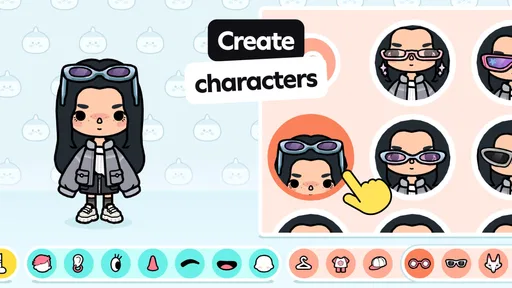
The coolest part? You can create your own characters and even design their outfits. I spent an embarrassing amount of time just mixing and matching clothes. It’s a little like playing dress-up, but way cooler because your characters can go on adventures!
Endless Adventures
One of the things I loved about this app is the sheer variety of activities. Whether you’re cooking up a storm in the kitchen or running a salon, there’s always something to do. And it’s not just mindless tapping; each activity encourages creativity and problem-solving.
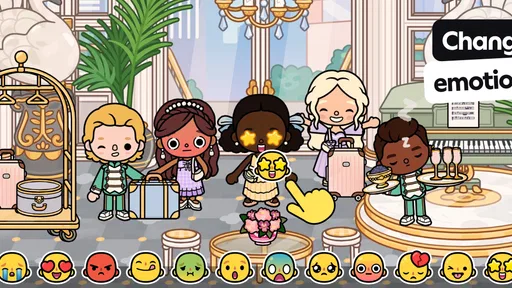
If you’re a fan of storytelling, you’ll appreciate the freedom to craft your own narratives. The app doesn’t guide you with restrictive missions or objectives, which means you can let your imagination run wild. I found myself creating little stories and scenarios, which was both relaxing and entertaining.
Kid-Friendly Features
As someone who values safe digital spaces for kids, I was pleased to find that Toca Boca World is designed with young users in mind. The game is rated for Everyone, but that broad label doesn’t guarantee it will suit every child’s sensory preferences or comfort with touch controls. I’d still try it together first, and set a clear rule about asking before making any purchase. It is free to download, but it does offer in-app purchases, with items priced from $0.49 to $199.99 each.
The interface is intuitive, making it easy for children to navigate on their own. Plus, the app encourages positive social interactions, which is always a win in my book.
Worth the Download?
So, is Toca Boca World worth downloading? I’d say absolutely! It’s a delightful escape into a world full of fun and creativity. Whether you’re a kid or just a kid at heart, there’s something for everyone. The app’s emphasis on imagination and creativity is refreshing, and it’s a fantastic way to pass the time.
There is a reason it has reached more than 100 million installs and earned an average rating of 4.3 from around 6.5 million ratings, alongside about 208,000 written reviews. Those figures suggest broad appeal, but they do not tell you whether its loose, self-directed style suits your child. Toca Boca made this educational game, released on November 21, 2018; its current version is 1.121.3 and it requires Android 7.0 or later. I’d choose it for a child who enjoys making up stories, not as a substitute for a structured learning activity. If your household wants a quieter, more guided experience, another kind of game may be a better fit.
If you're curious to explore this vibrant world, you can find it available for download on both Android and iOS. Dive in and let your creativity soar!
Pros
- Engaging and creative gameplay for kids.
- Frequent updates with new features.
- Highly customizable characters and settings.
- Safe and ad-free environment for children.
- Encourages imaginative play and storytelling.
Cons
- In-app purchases can add up quickly.
- Requires internet for some features.
- Limited free content available.
- Might not appeal to older kids.
- Can be repetitive over time.
FAQs for Toca Boca World
What is Toca Boca World?
Toca Boca World is a creative sandbox game designed for children, allowing them to explore and interact with a vibrant virtual world. Players can create their own stories by customizing characters, building environments, and engaging with various scenarios. It's designed to encourage creativity and imaginative play.
Is Toca Boca World safe for children?
Yes, Toca Boca World is designed with children's safety in mind. It contains no third-party advertising and limits in-app purchases to ensure a safe environment. The game also adheres to strict privacy policies, making it a secure choice for parents looking for a kid-friendly app.
Are there any in-app purchases in Toca Boca World?
While Toca Boca World offers a free base version, it does include optional in-app purchases. These purchases unlock additional locations and customization options. Parents can control these purchases through device settings to manage spending and ensure a balanced gameplay experience for their children.
What age group is Toca Boca World suitable for?
Toca Boca World is primarily aimed at children aged 6 to 12 years. However, its intuitive interface and engaging content can appeal to younger and older audiences as well. The game's focus on creativity and exploration makes it a versatile choice for a wide age range.
Can Toca Boca World be played offline?
Yes, Toca Boca World can be played offline once it is installed on your device. However, an internet connection is required for downloading the app, updates, and additional content. Playing offline ensures that children can enjoy the game without needing constant internet access.


